Skip to main content
This is only if you target to build for iOS. Remember that you will need a Mac to build for iOS, so if you don’t have one or want to build only for Android, you can skip this page.
Create an Apple account for developers
Go to developer.apple.com and create a dev account. It may take 24 hours to be activated and will cost you $99.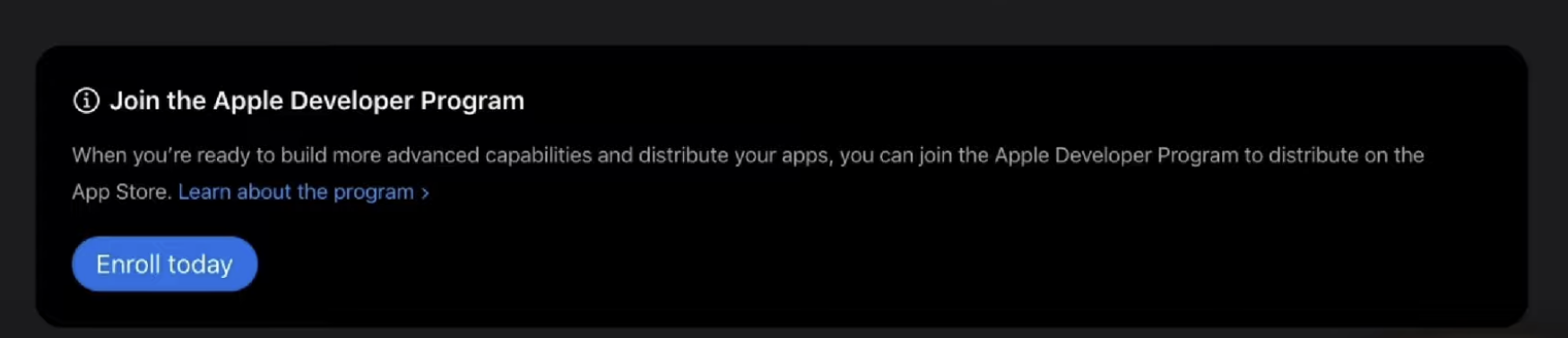
Create an app ID
First you want to create an identifiant for your app. On your account, in Certificates, IDs and Profiles, just click on “identifiants”.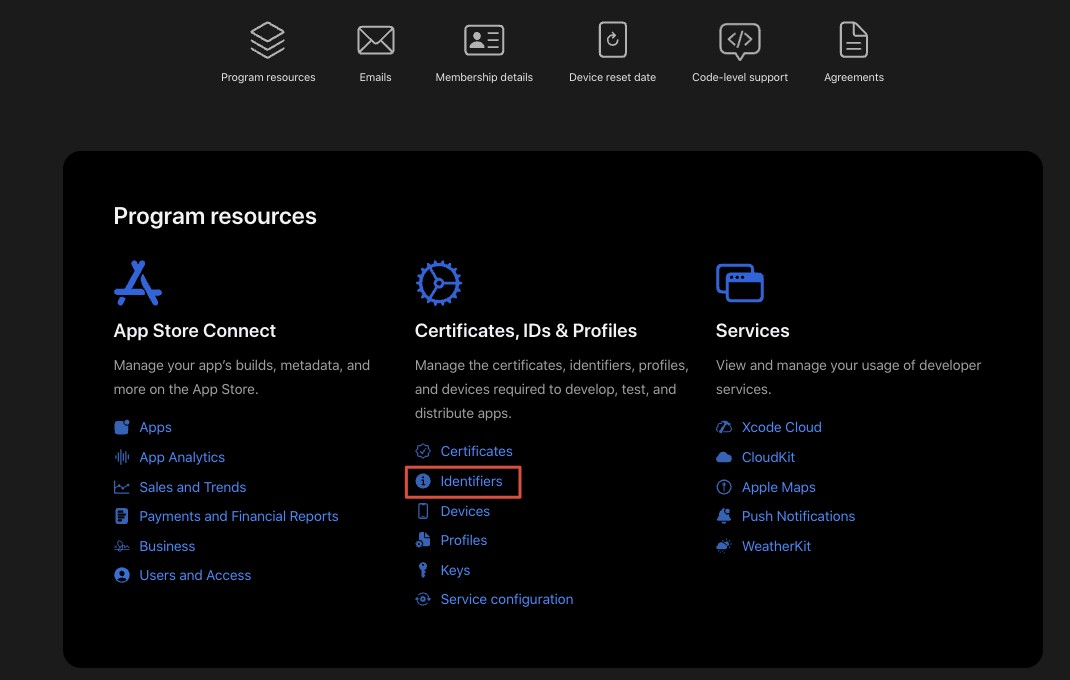 Click on the + button to register a new app ID:
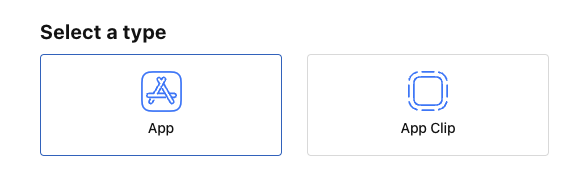
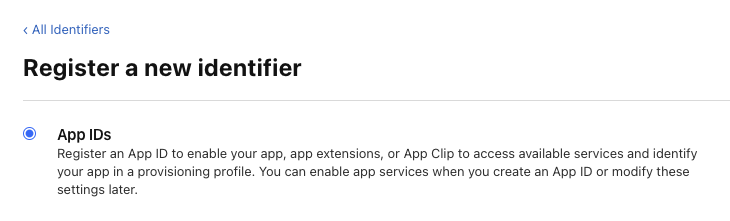 Select the type App:
 You then have to select the autorisation you will need for your app. In general you want at least ask for Apple Pay payment, Push notification and Sign In with Apple. If you app needs more capabilities, you can add them.
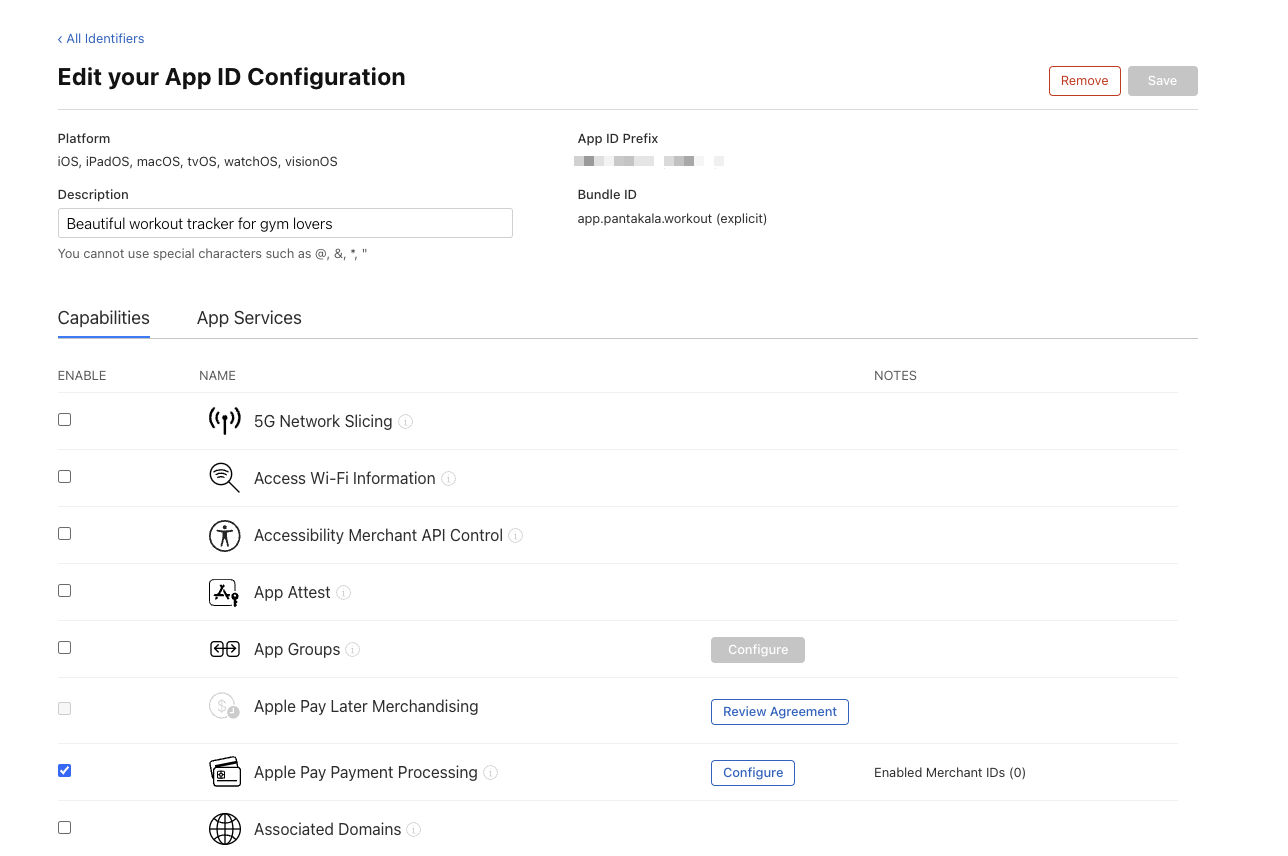 You just have to validate and you have your App ID.
Create a service ID
Click on the + to add a new identifier:
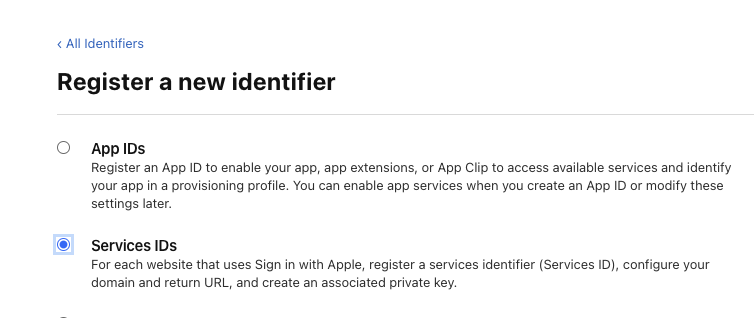
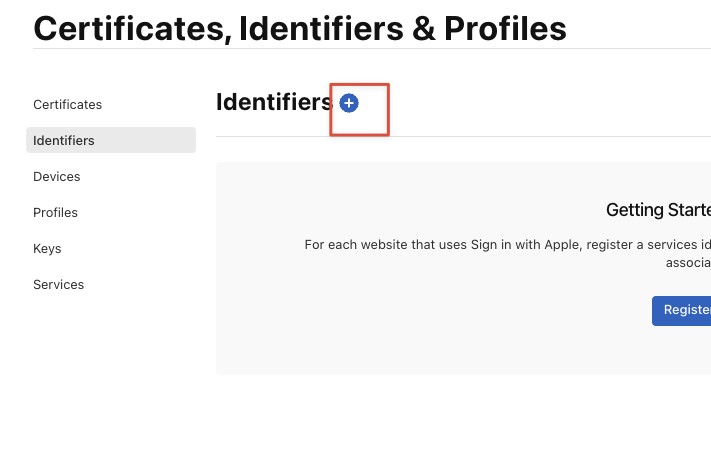 Then select service ID:
 This will be used to Sign in with Apple, so enter as a name something like “sign in with Apple” and you can reverse your domain and add “si” for sign in:
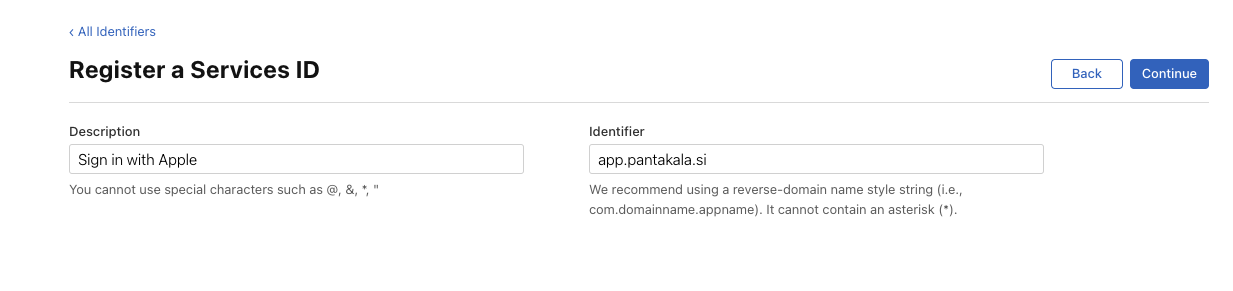 Validate, and you are good for now.
Create a private key
Go back to your Apple dev account and create a new key: 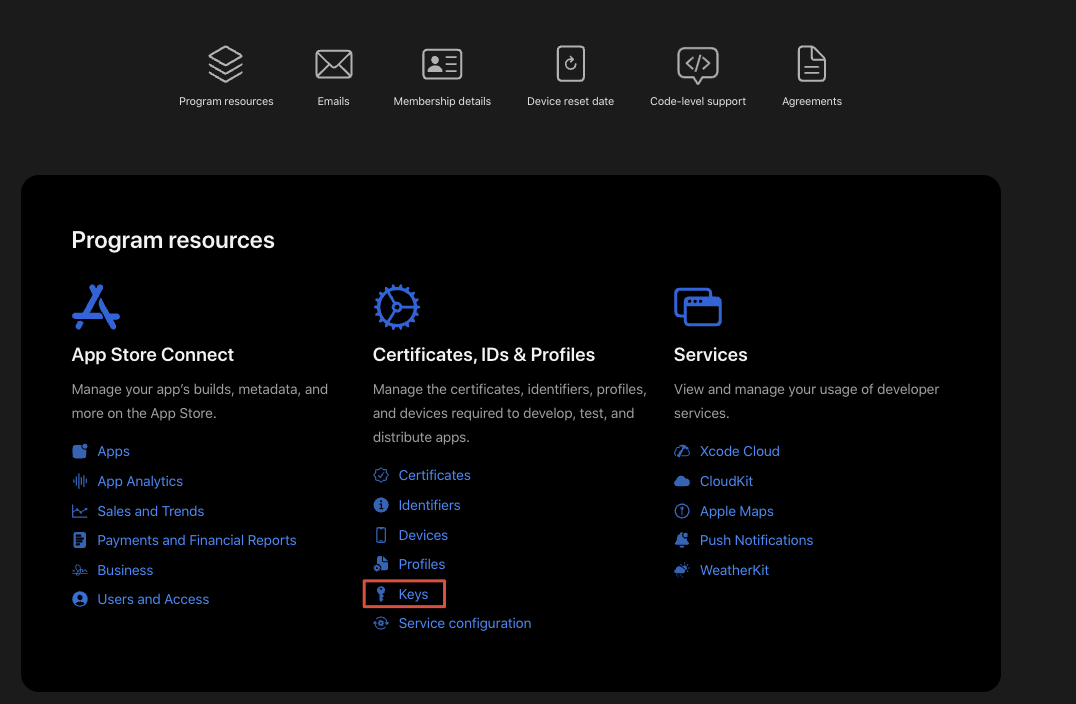 Name your key “SIWA main” (for sign in with Apple main) and select sign in with Apple:
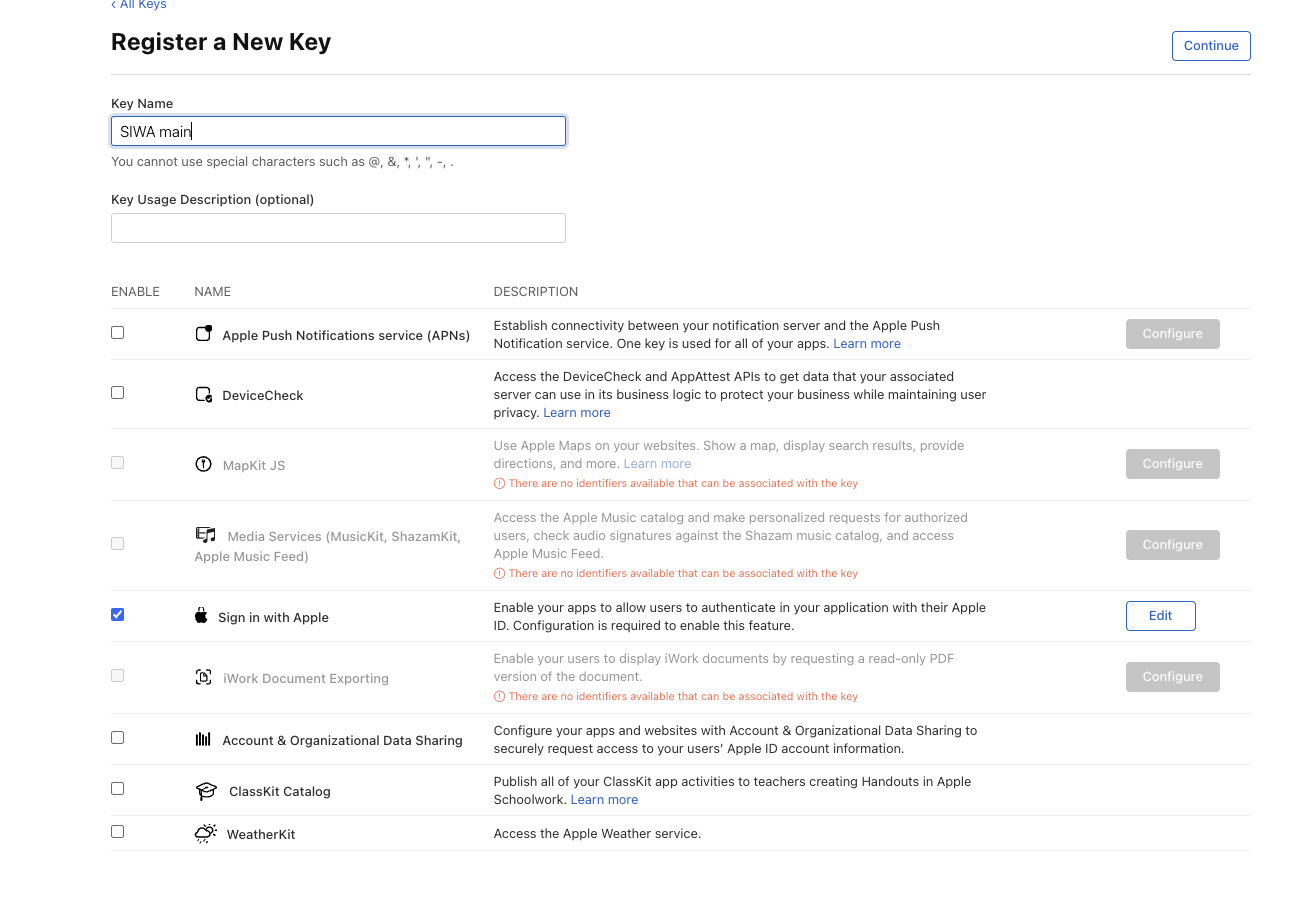 Click on “configurate” on the left and select the App ID of the App we created at first step.
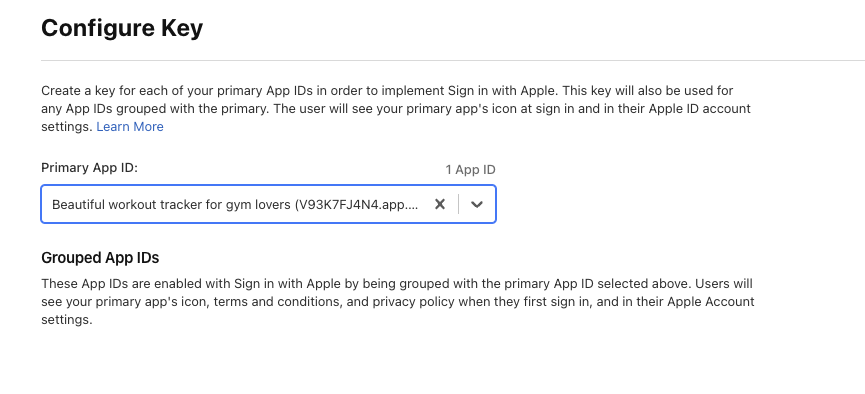 Then click on continue to validate your Key. At this step, don’t hit download: if you do it you will never be able to download the key again and will need to recreate a new one. So just hit “done” and will download the key later.