
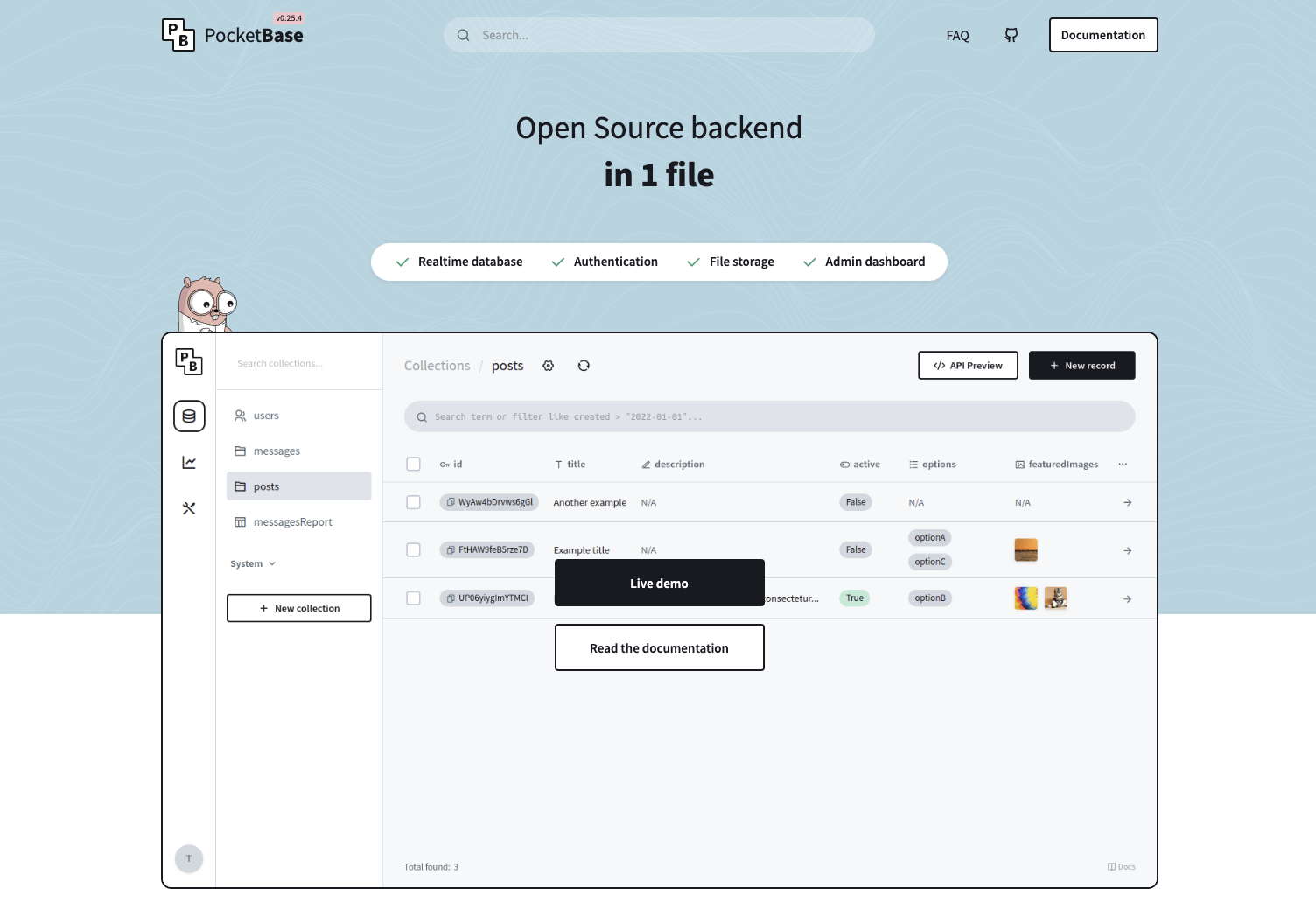
Why Pocketbase?
We decided to use pocketbase for several reasons:- Clear documentation.
- Easy setup: your data base can just be copy paste, not need to spend hours to configure it.
- Fast: Pocketbase is really fast.
- Low price: A self hosted Pocketbase database can handle 10 000 users at the same time, on a 1000/month with Supabase of Vercel.
- Easy to self host: Pocketbase is easy to self host, even if you do this for the first time. We will guide you throw this within this documentation.
Getting started with pocketbase
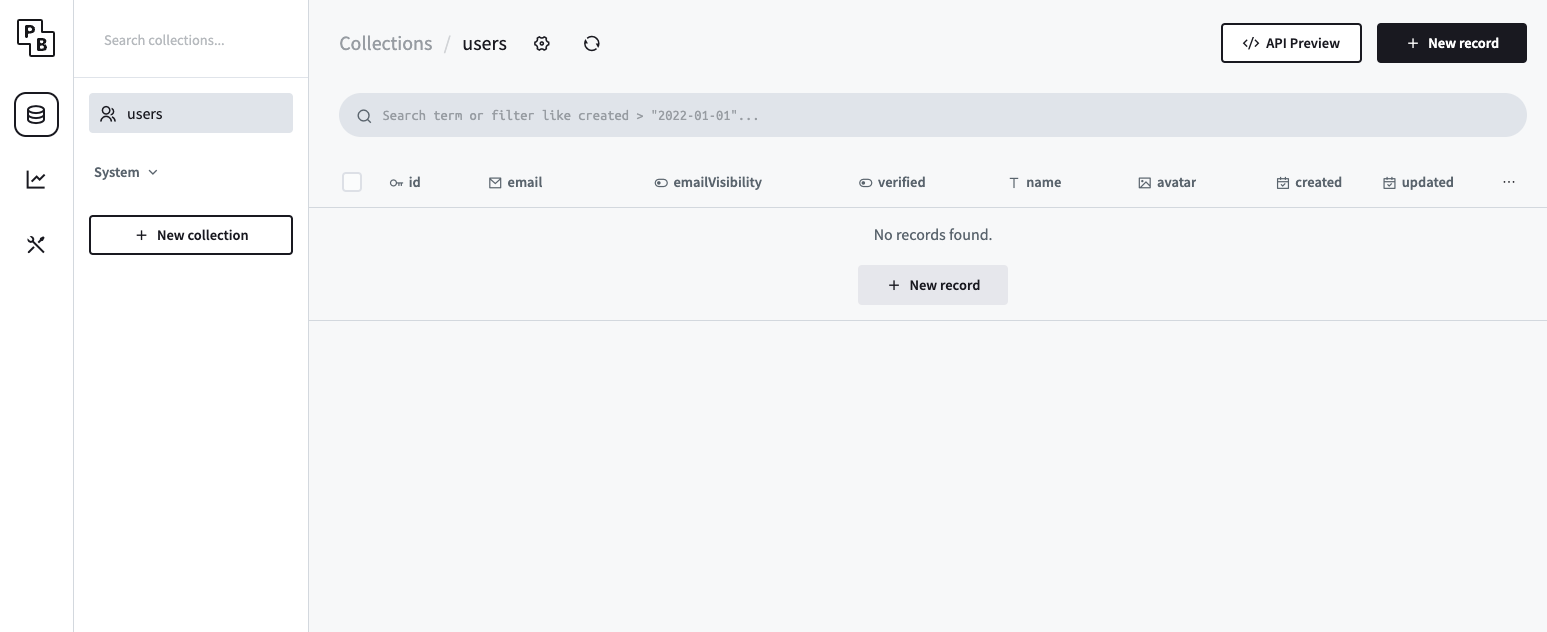
Go into the “backend” folder and run: You can connect to “http://127.0.0.1:8090/\_/” to access to the admin dashboard. By default, the connection id for the super user are: